Kimi Code
Automates code writing and command line work to accelerate development.
Are you the owner?
Claim this tool to publish updates, news and respond to users.
Sign in to claim ownership
Sign InDescription
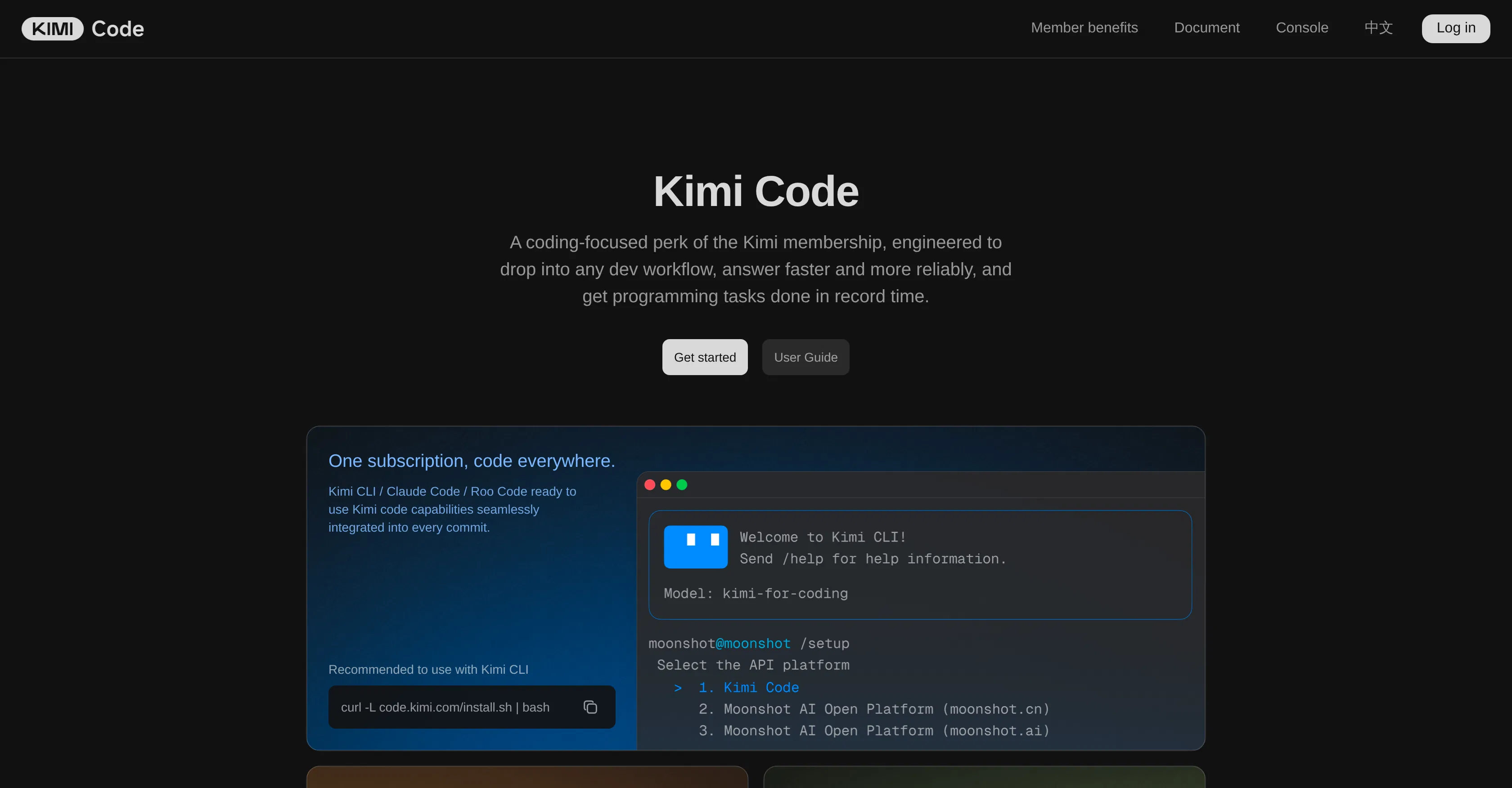
Kimi Code is a specialized AI programming tool developed by Moonshot AI. It functions as a dedicated feature within the Kimi ecosystem, with its core value lying in significantly accelerating and simplifying routine development tasks through automation. The tool aims to boost productivity for both experienced developers and beginners, allowing them to focus on architecture and complex logic rather than boilerplate code.
Key capabilities include automatic code generation in various programming languages based on textual task descriptions, intelligent code completion, and error correction suggestions. The tool offers a powerful AI assistant for the command line interface (CLI), helping to formulate and execute complex commands. It can analyze and explain existing code, and provides contextual recommendations for optimization and best practices. Additionally, it supports code refactoring and translation between languages.
Kimi Code features deep integration with popular integrated development environments (IDEs) via plugins and extensions, enabling work directly within a familiar interface. It is built on advanced language models, specifically fine-tuned on vast datasets of high-quality code, ensuring high accuracy and relevance of proposed solutions. Technically, the tool operates as a cloud service with the option for local agent installation to enhance security and speed. It supports integrations with version control systems like Git for contextual analysis of changes.
It is ideally suited for professional developers and engineers looking to reduce time spent on writing boilerplate code and debugging. It is also useful for students and novice programmers for learning and quick project starts. Use cases include prototyping new features, code documentation, finding and fixing vulnerabilities, and automating routine command-line operations for DevOps specialists. The tool is effective in team environments for maintaining consistent code style and standards.